



Betsixty App
If you prefer to visit our casino using smaller devices such as smartphones and tablets, then the Betsixty app is an absolute must. Our software will bring your mobile casino experience to a new level with tailored interface design and full-fledged functionality. We’ve managed to fit all that in a 3 MB package so our Dutch players can get it regardless of storage space limits.



Key Features of Betsixty App
The purpose of any app is to improve the user experience over the browser version. While we at Betsixty Casino Netherlands have used mobile browser optimization capabilities to the fullest, there is still only so much we can do. But given how many people visit us using smaller devices, we couldn’t go on without an app.
Developing a native app for each OS would take much time and resources, not to mention continued support. That’s why we’ve chosen PWA as our software solution: it enjoys the benefits of the two formats without suffering from their drawbacks. Progressive Web Applications use browser resources to launch a website, framing it in an app-like interface.
| Potential Inconveniences for Browsers on Mobile Devices | How the Bet Sixty app Solves It |
| Browser interface elements taking up valuable screen space | We designed our app for smaller screens. We’ve removed all browser elements that bring no value to mobile users, such as the search bar and tabs. |
| Need to open a browser and find our website | Our app icon is added to your device’s home screen, so you can access it in just one click |
| Poor performance with weaker mobile connections | Caching allows the app to reduce data usage, helping pages and features load more smoothly with a slower internet connection. |
| Slow loading times | With the help of cache files, our app reduces loading times and grants faster access to games. |
| Lack of seamless integration with mobile features | The PWA combines the best of websites and native apps with features like full-screen mode and optimized touch controls. |
As you can see, even though the Betsixty Casino app runs in a browser, it offers a better gaming experience. Given how little time it takes to download it, we think it’s a great alternative to using the browser version every time. We developed this app for our Dutch players and will be very satisfied with our work if you find it convenient.
Pros and Cons of Betsixty App
Our software is not a perfect creation, even if its drawbacks are few. As a blend of two approaches, the Bet Sixty Casino app combines the best aspects of each. The pros outweigh the cons by a wide margin, but they are all worth mentioning, as we want you to have the full picture.
| Advantages | Disadvantages |
| No download from an app store required | Several installation steps with exact instructions depending on the browser |
| Fast and easy installation | Offers fewer advanced features than native apps |
| Works across all devices and OS | Can’t play games without an internet connection |
| Uses the same account as the browser version | Dependent on browser support |
| Grants access to more than 6,000 online slots and table games | Can’t be found in major Dutch app stores |
| Available for unregistered users | Customization options shared with the browser version. |
| Requires no updates | |
| Requires no access or permissions | |
| Takes up minimal storage space | |
| Improved mobile user experience | |
| Low data usage |
If you are not satisfied with our software after using it for a while, the Betsixty Casino app is easy to uninstall. It’s not a long-term commitment, so you can hop on and off it as you please. Our app is meant as an alternative that you can try to see whether you find it convenient. We are quite confident you will, but the choice is always yours.
Betsixty App for Android
Android users ready to install our app can do so directly from the Betsixty Casino website. Android is known for its flexibility and variety of features and installation options, but we still decided that the setup steps should be the same for all users. Here’s what you need to do:
- When at Betsixty Casino, press the three-dot icon in the address bar
- Press “Add to home screen”
- Press “Add” again
- Choose where the Bet Sixty icon will be located on your home screen.
If you use a browser that doesn’t have the specified icons, you can always go to our Casino App banner and follow the instructions given there. Alternatively, Dutch users can contact our Support Team via live chat, and we will help you install the app using your specific browser. You can do so even if you don’t have a Betsixty Casino account.
Since Android users can install software via APK files, we advise against using any of them for the Betsixty app. We don’t distribute APK files and can’t take responsibility for what happens if you install one on your device. It’s always better to get your software straight from the source.
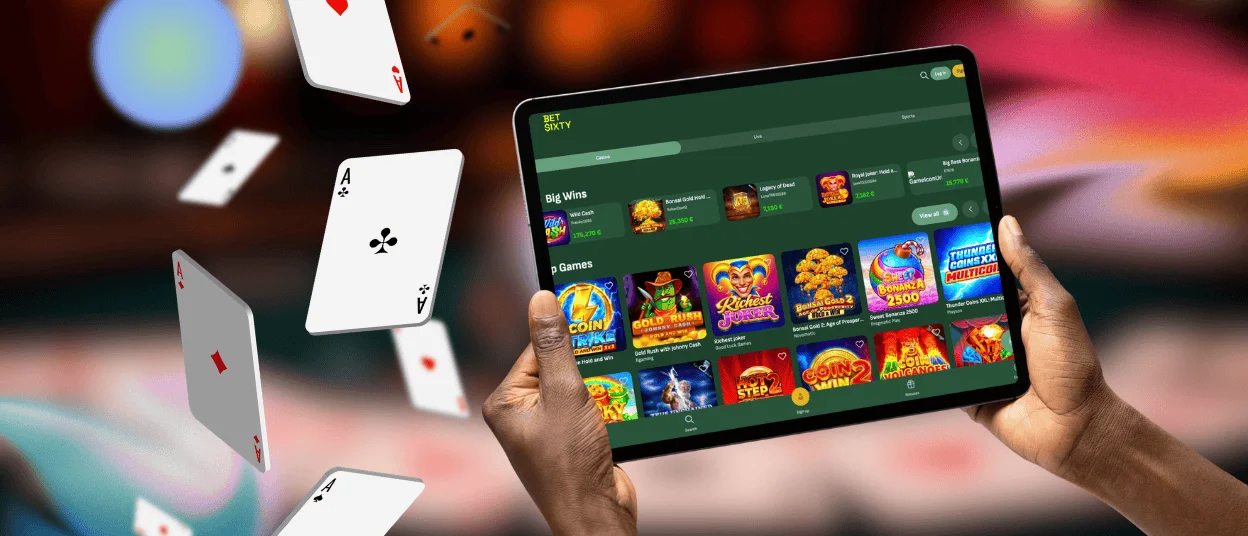
Mobile Application for iPhone and iPad
If your device runs iOS, you can get our app using Safari’s shortcut feature. We recommend sticking to this browser, at least for installation, as others may lack the necessary buttons. Once you visit the Bet Sixty Casino website using Safari, do the following:
- Press the Share button (central button on the fixed interface panel)
- Scroll down and press “Add to Home Screen”
- Press “Add” one more time
- Choose the place for the Betsixty icon
Our app shares functionality with the browser version. You can do anything from simply playing games and claiming bonuses to adding funds and submitting documents for the verification process. You can also create an account by pressing “Sign up” and entering your email address and creating a password, or use your Google account to register a profile at our casino.
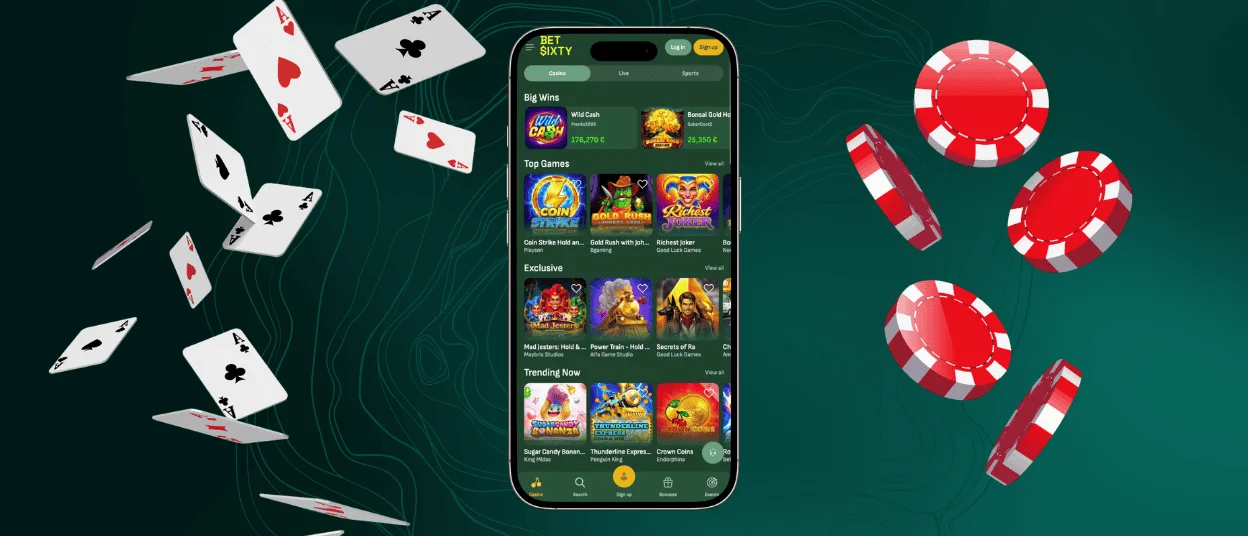
Play Bet Sixty Casino on Mac or Windows
Since we mentioned all OS compatibility, it’s only natural that our app should work for Windows and macOS. It’s true: if you want to stay focused on your gaming session without the usual browser distractions, our software is a great choice.
Windows users living in the Netherlands can get the Bet Sixty Casino app by clicking “Get app” in the address bar (the exact wording may vary by browser). Mac users need to use Safari’s Dock feature by clicking “File” and choosing “Add to Dock,” or simply drag it out into the Dock.
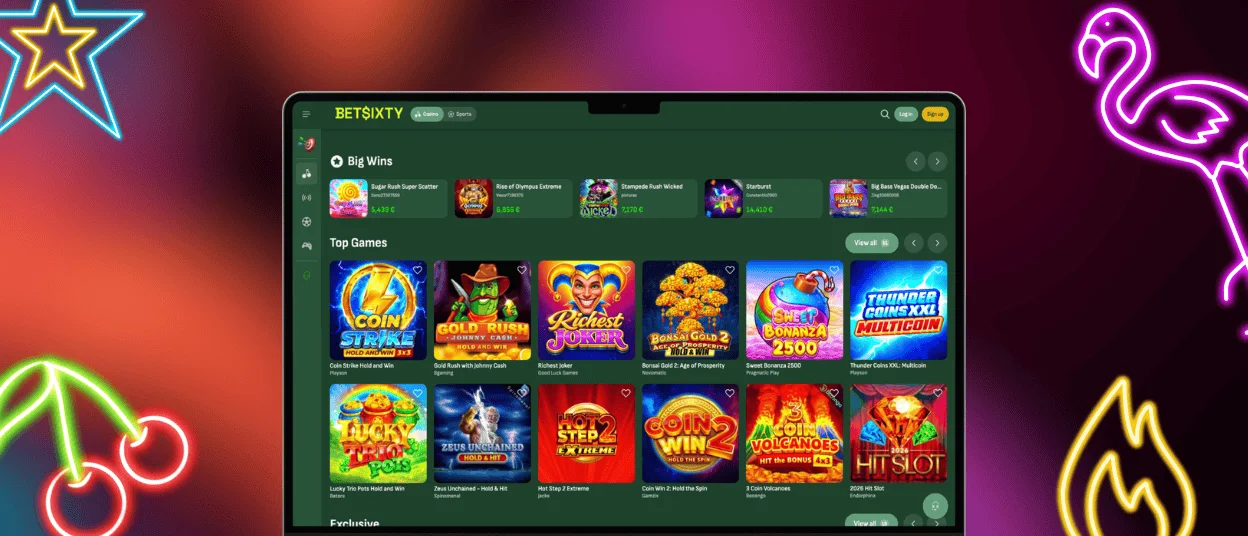
PWA Security Advantages
Regular native apps need to develop their own security system, which is both complicated and time-consuming. A PWA, on the other hand, uses the same security measures as the browser. Since we don’t need to divide our attention between different platforms, we can dedicate all our resources to upholding browser security standards that also work for PWAs.
The tools include Web Application Firewalls and IDS/IPS for network protection, 256-bit AES encryption for data protection, and TLS 1.3 and secure key exchange for network and communication security. We also conduct regular code integrity checks and security audits to make sure our safety protocols are up to date.
FAQ
Are my deposits secure when using the mobile app?
Yes, all your funds are secure when using both the browser and app versions of our website. The two use the same security tools and best practices to ensure the integrity of your account and prevent tampering with all transactions.
How can I update the Betsixty app?
You don’t need to manually update our app or schedule a new version’s installation once it goes live. Every time you launch our software, it updates automatically, even if the last changes were made a few minutes ago. It’s a major benefit over native apps that sometimes won’t even run if you don’t update them.
How is the gaming process different in the app?
Many game providers have several versions of their titles that only reveal themselves when launched on a specific device. If you play such a game, you’ll see its design has changed to better fit your device’s dimensions, with fewer empty spaces that are often present in the browser version. The buttons are also rearranged for more convenient touch navigation.


